
This webpage explains how to configure your mixer's settings to convert midi files to mp3 for example.
Look at the bottom of your screen, you will see the tray, if needed click on the arrow.
Double click on the icon below:

The volume control pannel should appear:
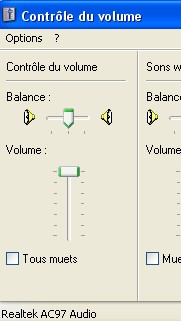
This is the pannel for your play settings
To display the record settings click on "Options" --> "Properties"
Select "Record" (sorry my computer has french options)
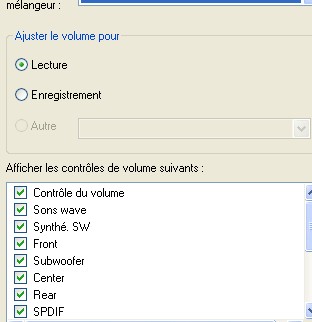
The record panel should appear:
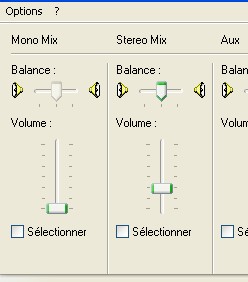
With MidiMeow you have to click or on Mono or on Stereo to convert midi to mp3